

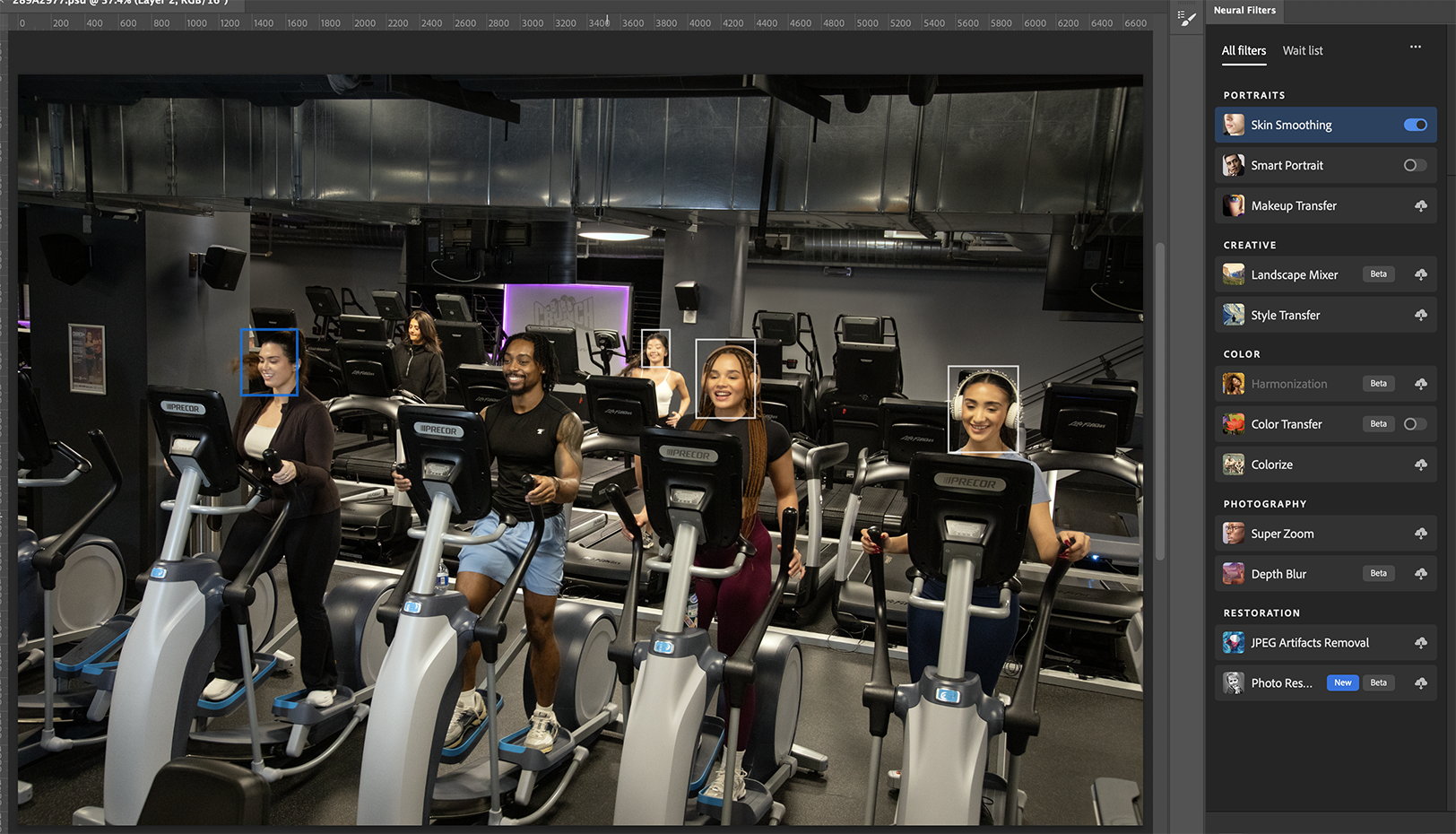
Nothing beats features that can quickly give anyone a glow-up. One click is never going to achieve the level of polish I’m going for, but I need that one click to get started with luminous skin. Then Photoshop can’t find faces, I’m not only denied the jump start but also confused by what the AI is looking for.
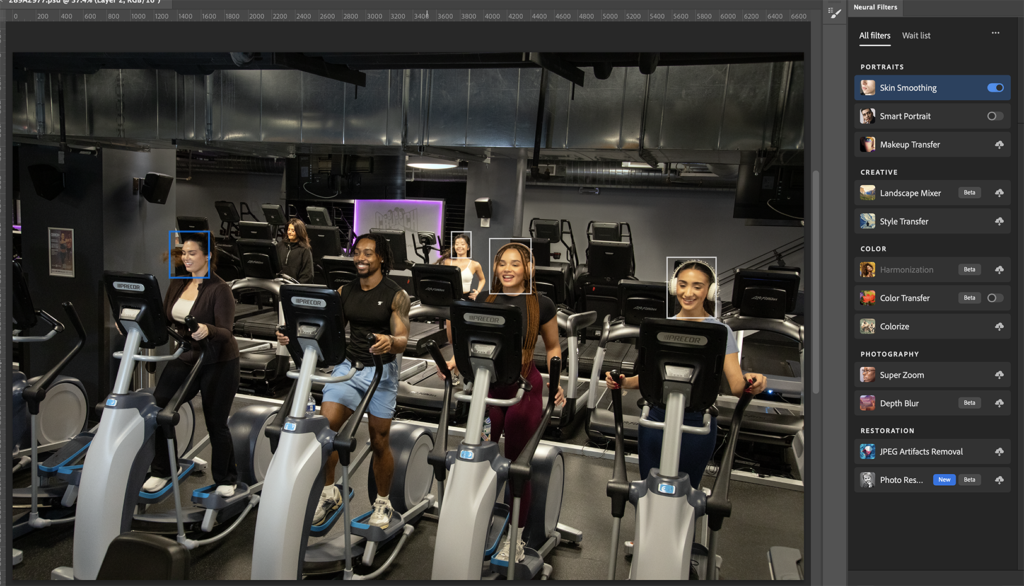
Over the years, I’ve seen many videos previewing how to create masks that hold the texture on skin while blurring the tones underneath. It’s supposed to be a cheat to correcting bad skin, but I never adopted the method. Then I finally wiped my computer to update it to Sequoia so I could update Photoshop.
My laptop had already given me access to the newest Photoshop to generate fills. But the laptop isn’t that powerful. I had also used Evoto to blend skin textures, and clients were happy with that look. It made sense to have the most tricks available to me.
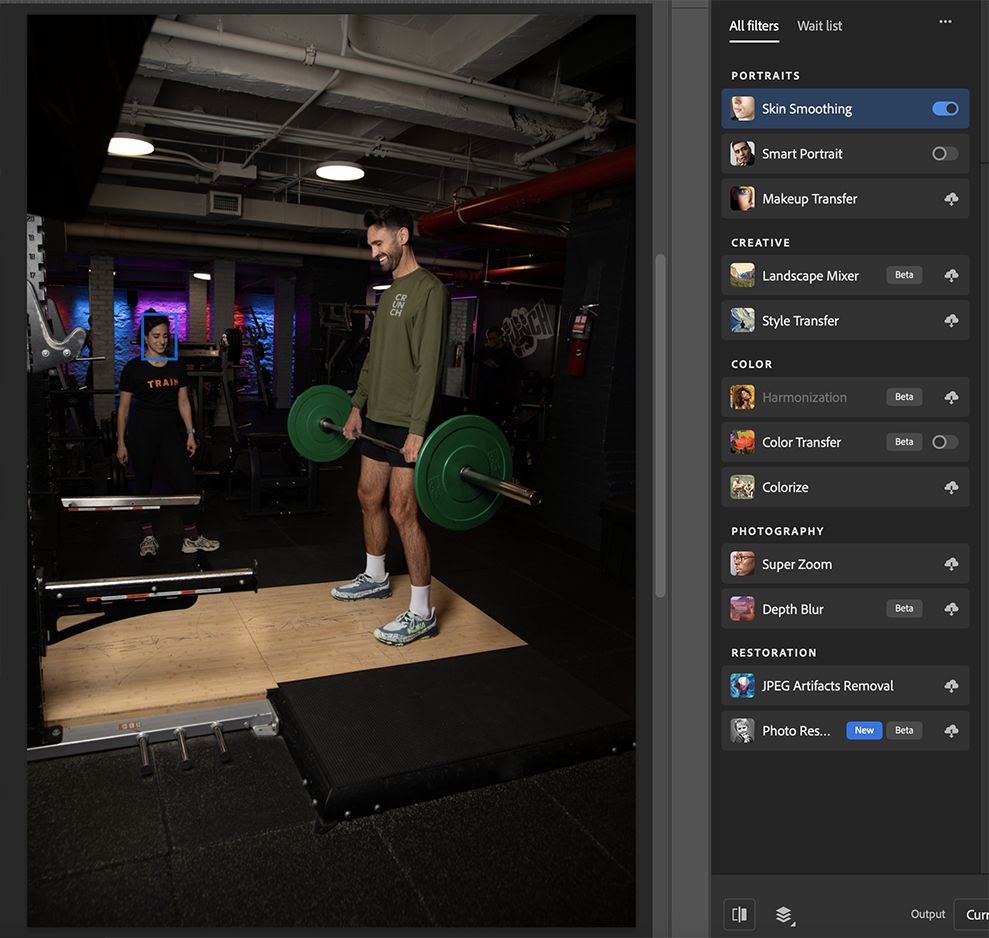
It must have been a mission to retouch another photographer’s shoot for Crunch that motivated me to change up the whole desktop. Like I was going to need to get through that many pictures that quickly with options to move all kinds of vents and outlets and garbage cans in the background on top of correcting lighting.
I only started taking screenshots of Neural Filters not recognizing faces until I launched this blog for a third time. There are times it feels a bit racist, but I’m not finding any clear-cut evidence for that through my screenshots.
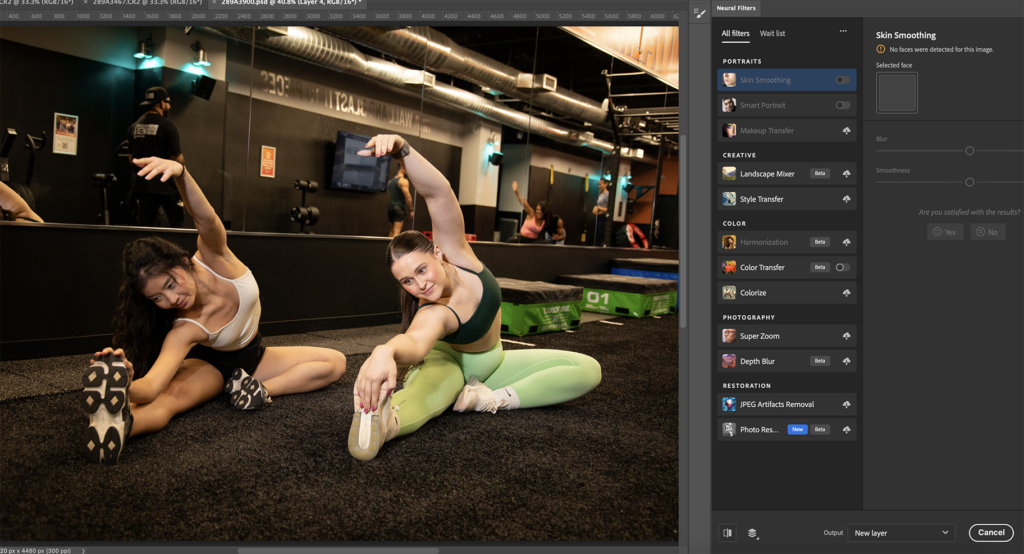
Maybe I’ll keep taking screenshots. It is odd when we can clearly see a nose, mouth, and eyes in the above examples. Have you had issues with Photoshop not recognizing faces in your photos?
Leave a Reply